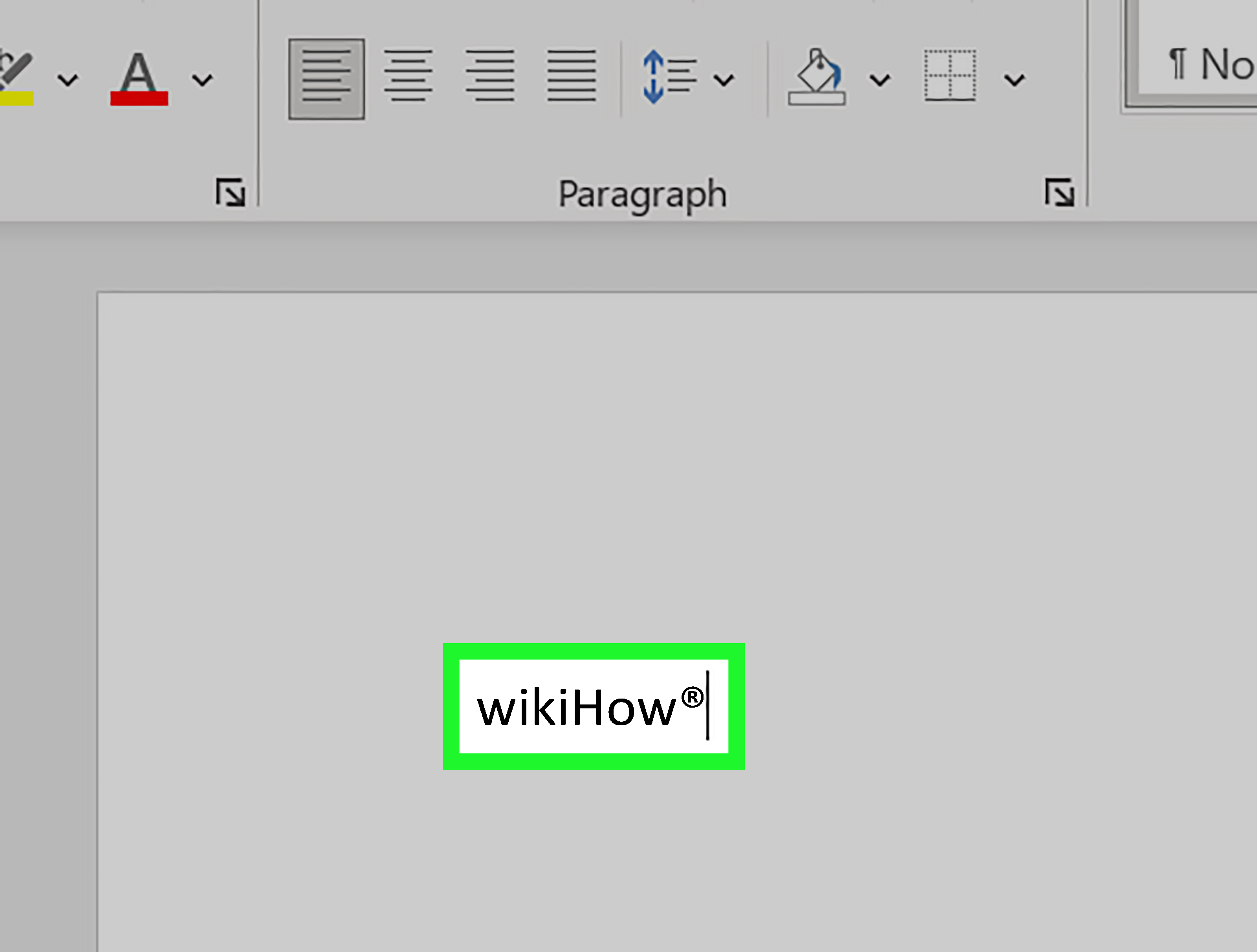
Adding the registered symbol in HTML sounds like one of those tiny tasks that should take three secondsright up until your page shows a weird box, your CMS eats the symbol, or your client asks why the little circle-R is sitting on the baseline like it just missed the elevator. The good news: adding the registered trademark symbol, written as ®, is simple once you know the correct HTML entity, Unicode code point, and formatting options.
The most common way to add a registered symbol in HTML is to use the named entity ®. You can also use the decimal code ®, the hexadecimal code ®, or the actual character ® when your page uses UTF-8 encoding. Each method produces the same visible result, but some are easier to read, safer in certain systems, or better for long-term maintenance.
In this guide, you’ll learn how to add a registered symbol in HTML, when to use each code, how to make the symbol superscript, how to avoid common mistakes, and how to use it in a way that is clean, accessible, and SEO-friendly. Tiny symbol, surprisingly big personality.
What Is the Registered Symbol in HTML?
The registered symbol is the circled capital R: ®. In the United States, it indicates that a trademark has been officially registered with the U.S. Patent and Trademark Office for specific goods or services. It is not the same as the trademark symbol ™ or service mark symbol ℠. Those can be used to claim trademark rights, while the registered symbol should be reserved for marks that are actually registered.
From a coding point of view, the registered sign is a Unicode character with the code point U+00AE. HTML lets you display it in several ways, including named character references and numeric character references. You do not need an image, icon font, SVG, or a tiny designer with a magnifying glass. Plain HTML can handle it beautifully.
The Fastest Way to Add a Registered Symbol in HTML
The easiest and most readable method is the named HTML entity:
This displays as:
Acme® Coffee Beans
The entity ® is widely supported and easy for developers, editors, and content managers to recognize. If you are writing regular HTML content, this is usually the best choice.
Why the Semicolon Matters
Always include the semicolon at the end of the entity:
Some browsers may still understand ® without the semicolon because HTML has legacy parsing rules. But relying on browser forgiveness is like relying on your printer five minutes before a meeting. It might work, but why invite drama?
Four Correct Ways to Add the Registered Symbol
There are four common ways to insert the registered trademark symbol in HTML. All can display the same character, but each has a slightly different use case.
1. Use the Named HTML Entity
This is the clearest option for most HTML documents. It tells future-you, your editor, and anyone reviewing the code exactly what the symbol is supposed to be.
2. Use the Decimal Numeric Code
The decimal code ® also displays the registered sign. Numeric character references are useful when a named entity is unavailable or when your workflow prefers numeric values.
3. Use the Hexadecimal Numeric Code
The hexadecimal version is based on the Unicode code point U+00AE. Developers who work with Unicode often like this format because it maps neatly to the character’s official code point.
4. Type or Paste the Symbol Directly
Typing the actual symbol is perfectly acceptable when your page is saved and served as UTF-8. Modern HTML documents should use UTF-8, which supports the registered sign and thousands of other characters. Still, if your content passes through old databases, email templates, third-party tools, or mysterious CMS plugins named “Final_Final_New_2,” using ® can be safer and more readable.
Best Method: Which HTML Registered Symbol Code Should You Use?
For most web pages, use ®. It is short, readable, familiar, and supported by modern browsers. Use ® or ® when you need numeric references, such as in stricter templates, localization pipelines, or systems that escape named entities incorrectly.
Here is a quick comparison:
| Method | Code | Best For |
|---|---|---|
| Named entity | ® |
Most HTML content |
| Decimal entity | ® |
Numeric-only systems |
| Hex entity | ® |
Unicode-based workflows |
| Direct symbol | ® |
UTF-8 documents and simple editing |
How to Make the Registered Symbol Superscript in HTML
In branding, the registered symbol is often shown slightly above the text, like this: BrandName®. HTML gives you a simple way to do that with the <sup> element.
This displays the registered symbol as superscript. The <sup> tag is appropriate when you want inline text to appear raised for typographic reasons. Since trademark symbols are commonly styled this way, it is a practical choice.
Using CSS for Better Control
If you want more control over size, spacing, or alignment, add a class:
You can also use CSS with vertical-align, but avoid over-styling the symbol until it looks like it is trying to escape the brand name. The goal is clean and subtle, not “tiny balloon floating into space.”
How to Add a Registered Symbol in a Link
You can place the registered symbol inside anchor text just like regular text:
This is useful when a registered brand name appears in navigation, product pages, documentation, or landing page links. However, do not stuff symbols into every internal link just because you can. Readability still matters, and search engines care about clear, useful text more than decorative legal confetti.
How to Add a Registered Symbol in a Page Title or Heading
You can use the registered symbol in headings:
You can also use it inside a title tag:
That said, be thoughtful. A registered symbol in an HTML title can be useful for official brand pages, product documentation, or legal accuracy. But if your main goal is SEO, a cleaner title may perform better for readability and click-through rate. Search users usually type the brand name, not the registered symbol. Your title should help people understand the page quickly.
How to Add the Registered Symbol in Meta Descriptions
Meta descriptions can include the symbol too:
For meta descriptions, the direct symbol often works well if the document is UTF-8. If your CMS or SEO plugin handles entities properly, ® may also work. Always preview the search snippet or page source when possible. Some platforms escape characters differently, and nothing says “professional” quite like a meta description displaying raw code to the world.
HTML Encoding and UTF-8: Why Your Symbol Might Break
If your registered symbol shows as a question mark, box, or strange character, the problem is usually encoding. HTML documents should declare UTF-8 in the document head:
Although this tag belongs in the <head> section rather than the <body>, it is important to understand. UTF-8 tells the browser how to interpret text characters. Without the right encoding, special characters may display incorrectly.
If you are only editing the body content of a page and cannot control the full HTML document, using ® is usually safer than pasting the raw symbol.
Using the Registered Symbol in CSS
Sometimes developers add symbols with CSS, especially for repeated labels or decorative marks:
This can work, but use it carefully. CSS-generated content may not be handled consistently by all assistive technologies or copy-and-paste workflows. If the registered symbol has legal or meaningful value, placing it directly in the HTML is usually better. CSS is best for decoration, not essential content.
Using the Registered Symbol in JavaScript
In JavaScript, you can include the registered symbol directly or use a Unicode escape:
If JavaScript inserts the text into HTML, make sure you are not accidentally double-escaping it. For example, setting text content is generally safer than inserting raw HTML when you only need text:
If you set innerHTML, entities may be parsed as markup. That can be useful, but it also requires more caution, especially when the content comes from users or third-party data.
Using the Registered Symbol in React or JSX
In JSX, you can type the registered symbol directly:
You can also use an entity:
For dynamic strings, use the symbol or Unicode escape inside the string:
React escapes text by default, which helps prevent accidental HTML injection. That is good news for security and also good news for anyone who enjoys sleeping at night.
Accessibility Tips for Registered Symbols
For most content, the registered symbol can remain plain text. Screen readers may announce it differently depending on the software and user settings. Avoid repeating it so often that it makes the content annoying to hear. A paragraph stuffed with Brand® Brand® Brand® can feel like someone shaking a legal document in the reader’s ear.
If the symbol appears in a logo image, make sure the image has useful alt text. If the registered symbol is purely decorative, you usually do not need to call attention to it separately. If it is legally important, include it in the visible brand name or nearby legal copy rather than hiding it only in CSS.
Legal Reminder: Use ® Only When It Is Actually Registered
The registered symbol is not a decoration for brands that simply feel fancy today. In the United States, it should be used only after a mark is federally registered, and only with the goods or services covered by that registration. If your mark is not registered, use ™ for goods or ℠ for services instead.
This is not legal advice, but it is a good practical rule: confirm the registration before placing ® across a website, ecommerce store, press release, or product page. Misusing the symbol can create legal and brand trust problems. Nobody wants their HTML tutorial to become Exhibit A.
Common Mistakes to Avoid
Using an Image Instead of Text
Do not use a tiny image for the registered symbol unless you have a very specific design reason. Text is lighter, scalable, accessible, and easier to maintain.
Forgetting the Ampersand
The correct entity is ®, not reg;. Without the ampersand, the browser will display plain text.
Forgetting to Escape Examples in Tutorials
If you are writing a tutorial and want readers to see the code, escape angle brackets inside code examples. Otherwise, the browser may render the HTML instead of showing it.
Overusing the Symbol for SEO
The registered symbol does not magically improve rankings. Use it where it supports brand accuracy, not as an SEO seasoning you sprinkle on every heading.
Using ® for an Unregistered Mark
This is the big one. If the mark is not registered, do not use the registered symbol. Use ™ or ℠ where appropriate.
Practical Examples
Example 1: Product Name
Example 2: Footer Legal Text
Example 3: Brand Heading
Example 4: CSS Class for Reuse
SEO Best Practices for Using the Registered Symbol
Search engines can crawl pages that include registered symbols, but your priority should be clarity. Use the symbol in official brand mentions, product names, and legal statements when needed. Avoid adding it to every keyword, anchor text, title, and meta description unless your brand guidelines require that exact usage.
For SEO titles, keep the title readable and focused on search intent. For example, “Acme Product Setup Guide” may be cleaner than “Acme® Product Setup Guide” if the symbol distracts from the query. On the official product page, however, “Acme® Software Features” may be appropriate.
For headings, use the registered symbol where it naturally belongs. For body copy, the first prominent brand mention may be enough, followed by a legal note in the footer. Good SEO is not about shouting trademarks at the crawler. It is about helping humans find and understand the page.
Developer Checklist
- Use
®for the simplest HTML entity. - Use
®or®when numeric references are preferred. - Use UTF-8 if typing the symbol directly.
- Use
<sup>when the symbol should appear raised. - Keep the symbol in HTML when it is meaningful content.
- Avoid using ® for unregistered marks.
- Preview your page, CMS output, and SEO snippet before publishing.
Experience Notes: What Actually Happens When You Add ® on Real Websites
In real-world web publishing, the registered symbol is one of those small details that reveals how tidyor chaotica content workflow really is. On a clean static HTML page, adding ® is beautifully boring. You type it, refresh the browser, and there it is: a neat little ® doing its job without asking for a raise.
But websites are rarely just one clean HTML file. Content may pass through WordPress, Shopify, Webflow, React components, translation tools, email builders, SEO plugins, product information management systems, and spreadsheet imports. Every step is a chance for the symbol to be transformed, escaped, duplicated, stripped, or turned into the dreaded replacement character. That is why many experienced developers prefer ® in editable HTML fields and direct ® in carefully controlled UTF-8 templates.
One common issue appears in CMS visual editors. You paste ® into a rich-text editor, switch tabs, and suddenly the editor changes it into the actual symbol. That is usually fine. But in some systems, the editor may display &reg; on the page because the ampersand was escaped twice. If visitors see “Brand®” instead of “Brand®,” the page is not broken in a dramatic Hollywood hacking scene kind of waybut it still looks sloppy. The fix is to check whether the field expects raw text, HTML, or already-escaped output.
Another lesson: brand teams and developers often think about the registered symbol differently. A brand manager may want ® after every brand mention. A developer may worry about readability, layout, line breaks, and accessibility. An SEO specialist may ask whether it belongs in the title tag. The best solution is usually a brand usage rule: use the symbol on the first prominent mention, product headings where legally required, and the footer trademark notice. That keeps the page professional without making every sentence look like it has a tiny legal backpack.
Mobile design also matters. A superscript registered symbol can appear too small on narrow screens or high-density displays. If the symbol is part of a product name in a hero heading, test it on actual devices. A symbol that looks elegant on desktop may look like a speck of dust on a phone. Adjusting the font-size of the <sup> element can help, but keep it readable.
Email templates bring their own comedy show. Some email clients handle entities well; others behave as though special characters personally offended them. If you are building HTML emails, test the registered symbol across major clients. In many cases, the direct UTF-8 symbol works, but ® may be safer in hand-coded templates. Always send a test email before launching a campaign. Your subscribers should see your registered brand, not a mystery glyph that looks like it escaped from a broken printer.
Localization is another practical concern. If your brand appears in multiple languages, translators may accidentally move, remove, or duplicate the registered symbol. Give translators clear instructions. The symbol usually belongs attached to the brand name, not translated, rewritten, or sprinkled elsewhere. A translation memory system can help maintain consistency across pages.
Finally, document the decision. Add a short note to your style guide or developer documentation explaining whether your site uses ®, direct ®, or a component-based approach. That tiny note can save hours of future cleanup. Small symbols have a funny way of creating big consistency problems when nobody writes down the rule.
Conclusion
Adding a registered symbol in HTML is simple: use ® for the most readable and reliable option, or use ®, ®, or the direct ® character when your workflow calls for it. If you want the symbol to sit above the brand name, wrap it in <sup> and adjust the styling with CSS if needed.
The technical part is easy. The smarter part is knowing when to use the symbol, how often to use it, and how to keep it accessible, legally appropriate, and SEO-friendly. Treat ® as meaningful brand text, not decoration. Use it accurately, test it across your publishing system, and your HTML will look polished down to the smallest circle.