Smart home gadgets promise a life of effortless convenience. Lights turn on before you reach the door. The thermostat learns your schedule. The doorbell tells you who is outside. Your speaker answers questions, plays music, and occasionally misunderstands “turn on the lamp” as “order more ham.” Technology is magicaluntil it starts acting like an overcaffeinated roommate with Wi-Fi access.
The modern smart home can be useful, comfortable, and even energy-saving. But it also creates new risks that older household items never had. A regular light bulb does not collect usage data, need firmware updates, or expose your home network if it is poorly secured. A smart bulb might. A traditional lock does not lose features when a cloud service changes. A smart lock may. A normal toaster cannot join a botnet. A connected toaster, in theory, could become the villain nobody invited to breakfast.
This does not mean you should throw every smart home device into a drawer and go live by candlelight like a dramatic 1800s poet. It means you should buy, install, and manage connected devices carefully. Smart home security, smart home privacy, and IoT safety are no longer niche tech topics. They are basic household maintenance, right next to changing HVAC filters and wondering where all the batteries went.
What Makes Smart Home Gadgets Risky?
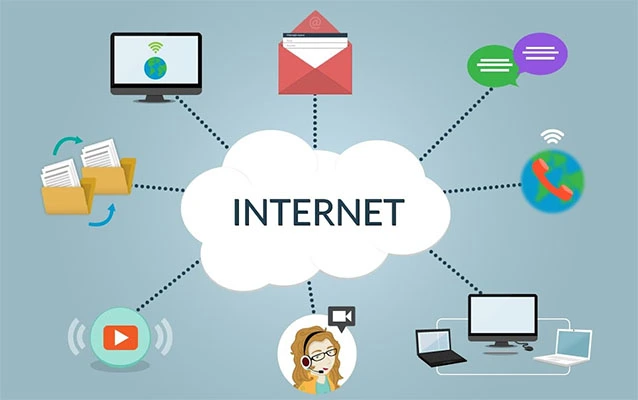
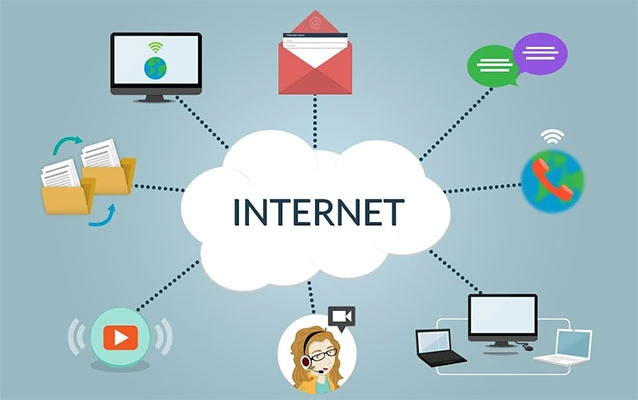
Smart home gadgets are part of the Internet of Things, often called IoT. That simply means everyday devices connect to the internet or to a local network. Smart speakers, cameras, plugs, bulbs, thermostats, appliances, baby monitors, robot vacuums, garage door openers, and security systems all fall into this category.
The risk comes from one simple fact: every connected device is a tiny computer. And every tiny computer can have software bugs, weak passwords, data-sharing practices, outdated firmware, or insecure cloud connections. The more devices you add, the larger your digital front porch becomes. Some doors are locked. Some are half-open. Some came from the factory with a key under the mat.
Convenience Often Comes With Data Collection
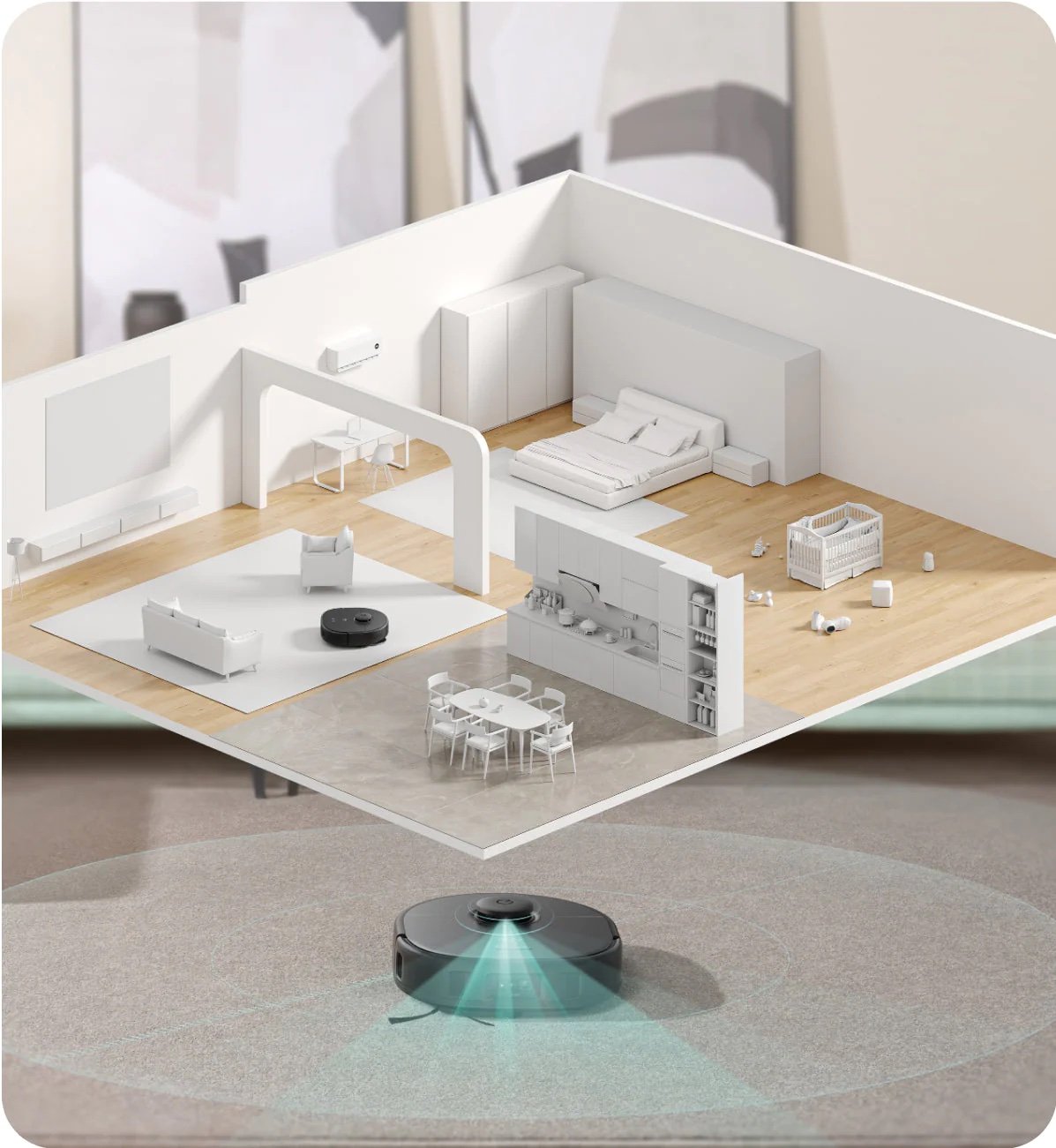
Smart home devices often need data to work well. A thermostat may learn when you are home. A camera may detect motion. A voice assistant may process spoken commands. A robot vacuum may map your rooms. A smart TV may collect viewing habits. In small amounts, this data can improve performance. In large amounts, it can create a surprisingly detailed portrait of your daily life.
That portrait may include when you wake up, when you leave, when packages arrive, which rooms are used most, and whether your dog believes the sofa is a constitutional right. If the company behind the device stores, shares, sells, or poorly protects that information, your convenience can become a privacy problem.
The Biggest Smart Home Privacy Concerns
Privacy is one of the main reasons to be careful with smart home gadgets. Unlike phones and laptops, these devices sit quietly in your most personal spaces. They may be in bedrooms, kitchens, nurseries, living rooms, hallways, and front porches. That makes their data more intimate than a simple shopping history.
Always-On Sensors Can Reveal Real-Life Habits
Many smart devices rely on microphones, cameras, motion sensors, temperature sensors, door sensors, or location-based triggers. Even when the content of your activity is not visible, patterns can still say a lot. For example, repeated motion at certain times may suggest your schedule. A smart doorbell can show visitors and deliveries. A connected garage door can reveal when a car leaves. A smart speaker can create voice interaction logs.
Encrypted traffic helps protect data in transit, but it does not automatically make a device private. In some cases, the timing and frequency of device communication can still reveal behavior patterns. That is why privacy is not only about whether someone can read your data. It is also about what your devices quietly signal through their normal operation.
Cloud Storage Can Become a Weak Point
Many smart home gadgets depend on cloud services. This allows remote access, backups, AI features, and app-based controls. The downside is that your device may stop being fully under your control. Video clips, voice recordings, automation logs, or device settings may be stored on company servers. If those servers are breached, mismanaged, or governed by unclear policies, your private household data may travel farther than you expected.
Cloud dependence also creates reliability issues. If the internet goes down, the app fails, or the company changes its service, a device may lose key functions. A “smart” gadget that becomes useless without a subscription or server connection is not very smart. It is more like a remote-controlled paperweight with branding.
The Biggest Smart Home Security Risks
Security is the other half of the smart home conversation. A privacy problem means your data may be exposed or misused. A security problem means someone may gain unauthorized access, take control, or use the device as a stepping stone into your network.
Weak Passwords and Default Settings
One of the oldest cybersecurity problems is still one of the most common: weak passwords. Some devices ship with default credentials, simple setup codes, or app accounts that users never strengthen. If a password is reused from another account, a previous data breach can put the smart home at risk.
Every smart home device should use a strong, unique password. If two-factor authentication is available, turn it on. Yes, entering a code can feel annoying. So can discovering that someone accessed your camera because “password123” was not the digital fortress you imagined.
Outdated Firmware
Firmware is the built-in software that runs a device. Manufacturers release updates to fix bugs, patch vulnerabilities, and improve performance. But many people never check for firmware updates after setup. Some devices update automatically, while others require manual action inside an app.
Outdated firmware can leave known security holes open for months or years. Before buying a device, look for brands that clearly explain their update policy. After setup, check the app settings for automatic updates. If a product no longer receives updates, consider replacing it, especially if it has a camera, microphone, lock, or access to sensitive areas of your home.
Cheap Devices With Unclear Support
Budget smart home gadgets can be tempting. A $9 smart plug sounds wonderful until the app looks like it was designed during a lunch break by a raccoon with a keyboard. Low-cost devices are not automatically unsafe, but some come with weak security practices, vague privacy policies, limited updates, or unknown manufacturers.
Before buying, check whether the company has a real website, customer support, firmware update history, and clear privacy policy. Look for independent reviews that discuss security, not just whether the device responds quickly when someone shouts at it from across the room.
Smart Cameras and Doorbells Deserve Extra Caution
Smart cameras and video doorbells are among the most sensitive devices in a connected home. They capture images of your family, visitors, neighbors, delivery drivers, and sometimes public spaces. That makes them useful for security, but also complicated for privacy.
When choosing a smart camera, consider whether it offers local storage, end-to-end encryption, strong account protection, and clear controls over video sharing. Review motion zones so the camera does not record more than necessary. Disable audio recording if you do not need it. Avoid pointing cameras into neighbors’ windows, shared spaces, or areas where people reasonably expect privacy.
Also think carefully before sharing footage through community or public safety features. Even when sharing is voluntary, video can move beyond your control once released. The best rule is simple: record only what you need, store it only as long as necessary, and share it only when you truly intend to.
Smart Speakers and Voice Assistants Are Helpful but Hungry
Smart speakers can be genuinely useful. They set timers, answer questions, control lights, and play music while your hands are covered in flour. But they also use microphones, cloud processing, account histories, and third-party integrations. That combination deserves attention.
Review your voice assistant’s privacy settings. Delete old recordings if the platform allows it. Turn off voice purchasing unless you want a child, guest, or very ambitious parrot to order mystery items. Mute the microphone when privacy matters. And be careful with third-party voice apps or “skills,” because each integration can create another place where data may flow.
Smart Locks, Garage Doors, and Security Systems Raise the Stakes
Some smart home gadgets are low-risk if they fail. If a smart bulb stops working, you may have to use a switch, which is tragic but survivable. If a smart lock fails, the situation is more serious. The same goes for connected garage doors, alarm systems, water shutoff valves, and smoke or carbon monoxide detectors.
For high-stakes devices, always keep a manual backup. A smart lock should still have a physical key or reliable alternative entry method. A garage door should have a manual release. Safety alarms should not rely only on Wi-Fi notifications. Smart features should add convenience, not remove basic functionality.
How to Make Smart Home Gadgets Safer
You do not need to become a cybersecurity engineer to improve smart home safety. A few practical habits can reduce risk dramatically.
1. Secure Your Router First
Your router is the front gate of your connected home. Change the default admin password, use modern Wi-Fi encryption, keep router firmware updated, and disable remote administration unless you truly need it. If your router is old and no longer receives updates, replace it. A secure smart home begins with a secure network.
2. Use a Separate Network for Smart Devices
Many routers allow you to create a guest network. Use it for smart home gadgets when possible. This helps separate IoT devices from laptops, phones, financial accounts, work files, and personal documents. If a smart plug is compromised, it should not get a VIP tour of your entire digital life.
3. Turn On Two-Factor Authentication
Two-factor authentication adds a second step to logins, usually a code or app confirmation. Enable it for smart home accounts, especially those connected to cameras, locks, alarms, or voice assistants. Use an authenticator app when available rather than SMS, though any strong second factor is better than none.
4. Review Privacy Settings After Setup
Most people finish device setup and never open the settings again. That is a mistake. Look for options related to data sharing, voice recording, personalized ads, location access, camera storage, third-party integrations, and diagnostic data. Turn off anything you do not need.
5. Choose Devices With Security Labels and Standards
Security labeling programs and interoperability standards can help buyers make smarter choices. The U.S. Cyber Trust Mark is designed to identify consumer IoT products that meet cybersecurity criteria. Matter, developed by the Connectivity Standards Alliance, aims to improve smart home interoperability and includes security as a core design goal. These labels are not magic shields, but they can be useful signals when comparing products.
6. Delete Devices You No Longer Use
Old devices and forgotten accounts are easy to ignore. Remove unused gadgets from your apps, reset them before selling or recycling, and delete old cloud accounts when possible. A smart device sitting in a drawer can still be tied to your personal data if you never disconnected it.
Questions to Ask Before Buying Any Smart Home Gadget
Before adding another device to your home, ask a few boring but powerful questions. Boring questions are underrated. They are the seatbelts of technology shopping.
- Does this device need internet access to perform its main function?
- Does the manufacturer provide regular security updates?
- Can I use a strong password and two-factor authentication?
- What data does the device collect?
- Where is the data stored?
- Can I delete recordings, logs, or history?
- Does it work locally if the cloud service goes down?
- Is there a manual backup if the device fails?
- Does the company have a clear privacy policy?
- Do I actually need this to be smart?
That last question may be the most important. Not every household item needs an app. A smart thermostat can save energy and improve comfort. A smart leak detector can prevent expensive damage. A smart security camera can provide peace of mind. But a connected egg tray that tells your phone you have three eggs left? That may be innovation wearing a tiny clown hat.
When a “Dumb” Device Is the Smarter Choice
There is nothing wrong with choosing traditional devices when they are safer, simpler, cheaper, or more reliable. A regular deadbolt does not need firmware. A basic light switch does not require an account. A non-connected appliance will not lose features because a company changed its app.
The smartest smart home is not the one with the most gadgets. It is the one that uses connected technology intentionally. Automate repetitive tasks. Monitor important risks. Improve comfort where it matters. But avoid connecting things simply because the box says “AI-powered” in large shiny letters.
Personal Experience: What Smart Home Gadgets Taught Me the Hard Way
After using smart home gadgets for a while, the biggest lesson is that convenience feels amazing right up until it needs troubleshooting before coffee. A smart bulb that turns on automatically at sunset is delightful. A smart bulb that refuses to connect after a router update is a tiny glowing betrayal. The first time an app says “device offline” while you are standing directly under the device, you begin to understand why old-fashioned switches still have fans.
One of the most useful experiences is learning which devices genuinely improve daily life. Smart plugs are great for lamps, holiday lights, and appliances that do not need delicate controls. Smart thermostats can be valuable for comfort and energy management. Leak sensors are underrated heroes because water damage does not politely wait until business hours. Video doorbells can be helpful for packages and visitors. These gadgets solve clear problems.
But other devices can add more complexity than value. A smart appliance with a companion app may sound advanced, but if the app mainly sends notifications nobody asked for, the novelty fades quickly. Some connected gadgets require separate accounts, separate apps, separate updates, and separate moments of regret. When every brand wants its own login, your phone becomes a junk drawer of smart home icons.
The privacy settings also deserve more attention than most people give them. During setup, it is easy to tap “agree” just to make the device work. Later, you may discover options for voice history, usage data, personalized recommendations, location access, or third-party sharing. Reviewing those settings can feel tedious, but it is worthwhile. A smart home should not quietly become a data buffet.
Another practical lesson is to keep critical systems simple. If a device affects access, safety, or basic household function, it needs a backup. A smart lock should not be the only way into the house. A security camera should not be your only security plan. A smart smoke detector should still behave like a dependable safety device even if Wi-Fi is having a dramatic episode.
The best setup is usually a hybrid home: smart where it helps, traditional where reliability matters most. Use automation for convenience, but do not let it replace common sense. Keep passwords strong. Update firmware. Buy from reputable companies. Avoid mystery gadgets with suspiciously cheerful product names. And remember that the most powerful smart home feature is still the human being choosing what belongs on the network.
Conclusion: Be Smart About Smart Home Gadgets
Smart home gadgets can make life easier, safer, and more comfortable. They can save energy, monitor hazards, automate routines, and help you manage your home from anywhere. But every connected device also adds responsibility. It may collect data, require updates, depend on cloud services, or create a new security opening.
The goal is not to fear smart home technology. The goal is to use it with clear eyes. Choose devices from trustworthy brands, secure your router, use strong passwords, enable two-factor authentication, update firmware, separate smart devices from your main network, and review privacy settings regularly. Most importantly, think before you connect. If a gadget solves a real problem, great. If it only adds an app to something that worked perfectly with a button, maybe let that button enjoy its retirement in peace.