If you play Fortnite long enough, you will eventually meet that one player who swears they have “0 ping.” They build like their keyboard is plugged directly into Epic Games headquarters, edit walls before you blink, and somehow take your wall as if your router personally betrayed you. Naturally, you start wondering: can you get 0 ping in Fortnite, or is it just another gaming myth sitting next to “my controller died” and “I only lost because of lag”?
The honest answer is: true 0 ping in Fortnite is not realistically possible for online matches. You can get extremely low ping, sometimes low enough that the game displays 0 or close to it, but actual network latency cannot completely disappear. Your input still has to travel from your PC or console to a Fortnite server and back. That trip takes time, even if you live close to a data center, use fiber internet, and have a router that looks like it could launch satellites.
Still, chasing lower ping is absolutely worth it. Fortnite is a fast, server-authoritative game where every millisecond can affect building, editing, shooting, peeking, and replacing walls. This guide explains what 0 ping really means, why most players cannot get it, what ping range is actually good, and how to reduce Fortnite latency without falling for magic “ping booster” promises that sound like they were written by a raccoon with a marketing degree.
What Does Ping Mean in Fortnite?
Ping is the time it takes for data to travel between your device and the game server, usually measured in milliseconds. In Fortnite, low ping means your actions reach the server faster. When you move, shoot, build, edit, or pickaxe a wall, your device sends that action to the server. The server processes the action, compares it with what other players are doing, and sends updated information back to everyone in the match.
In simple terms, ping is not your download speed. A 1 Gbps internet plan does not automatically mean you will get 0 ping. Bandwidth is like the width of a highway; ping is how long it takes a car to make the trip. A giant highway is nice, but if the destination is far away, the car still needs time to arrive.
This is why someone with a modest fiber connection near a Fortnite server may get much lower ping than someone with a very expensive plan located far from the server region. Distance, routing, local network quality, Wi-Fi interference, packet loss, and server load can all matter more than raw Mbps.
Can You Actually Get 0 Ping in Fortnite?
Not in the literal, physics-defying sense. For true 0 ping to happen, data would need to travel instantly from your device to the Fortnite server and back. That is not how networks work. Data travels very fast, but it still faces physical distance, fiber routes, switches, routers, server processing, and sometimes your little brother streaming cartoons in 4K during your ranked match.
When players say they have 0 ping, one of three things is usually happening. First, the Fortnite display may round a very low number down to 0. Second, the player may be extremely close to the server infrastructure and getting a single-digit ping. Third, the player may be exaggerating because gamers, as a species, have never been shy about dramatic storytelling.
A displayed 0 ping does not mean there is literally no delay. It usually means the delay is so low that the in-game counter shows 0, or the measurement is not precise enough to show the actual fraction or small number. In real online play, there is always some latency.
Why 0 Ping Became a Big Deal in Fortnite
Fortnite made ping famous because building and editing are deeply connected to server timing. In many shooters, lower ping helps with hit registration and peeking. In Fortnite, it also affects the feel of turbo building, wall replacing, edit confirmations, and close-range box fights.
For example, if two players try to claim the same wall, the player with lower latency may feel more responsive because their action reaches the server sooner. Ping is not the only factor, because Fortnite has mechanics designed to keep gameplay fairer than a pure “lowest ping always wins” system. But low ping still gives a noticeable advantage in high-speed fights.
This is why competitive players obsess over server regions, wired connections, optimized PCs, and stable routing. At the top level, the difference between 5 ms and 35 ms can feel huge. It may not turn a beginner into a tournament champion, but it can make a strong player more consistent.
What Is a Good Ping for Fortnite?
A practical Fortnite ping guide looks like this:
- 0–20 ms: Excellent. This is the dream zone for competitive players.
- 20–40 ms: Very good. Most players can build, edit, and fight smoothly.
- 40–60 ms: Playable and still decent, though box fighting may feel less sharp.
- 60–100 ms: Noticeable delay. You can still play, but timing matters more.
- 100+ ms: High ping. Expect delayed builds, edits, and frustrating fights.
- 150+ ms: Pain territory. Bring patience, snacks, and emotional support.
For casual Fortnite, anything under 50 ms is usually comfortable. For ranked, scrims, and tournaments, many players aim for under 30 ms. For elite box fighting, single-digit ping feels amazing, but it is not available to everyone because geography is stubborn.
Why Your Location Matters So Much
The biggest factor in Fortnite ping is distance to the server region. Epic uses large-scale cloud infrastructure, including AWS-powered server regions. The launch of the NA-Central region, supported by AWS Local Zones, was designed to bring lower-latency gameplay to players in the central United States and Mexico. That is a perfect example of why server placement matters: move the server closer to more players, and ping drops for many of them.
If you live near a supported Fortnite server region, you have a natural advantage. If you live far away, no setting can fully erase the distance. You can optimize your home network, improve routing, and reduce packet loss, but you cannot move the server with positive thinking. Sadly, shouting “lower ping!” at your monitor has not been approved as a network protocol.
How to Check Your Ping in Fortnite
The easiest way is inside Fortnite itself. Open the settings menu, go to the Game UI section, and enable network statistics or net debug stats. Once you enter a match, Fortnite can show ping and packet loss on screen. This is better than guessing based on vibes, rage levels, or how loudly your character seems to ignore your commands.
You can also check your matchmaking region in Fortnite settings. The region menu displays estimated ping for available server regions. Epic generally recommends using Auto because it selects the region with the best ping. However, if your connection feels strange, testing nearby regions can help reveal whether the automatic choice is truly best for your setup.
Ping vs. Packet Loss: Do Not Confuse Them
Low ping is great, but packet loss can ruin everything. Packet loss happens when some data fails to reach the server or return to your device. In Fortnite, packet loss can cause rubber-banding, delayed builds, missed shots, sudden freezes, or the classic “I swear I placed a wall” moment.
A player with 25 ms ping and 5% packet loss may have a worse experience than a player with 45 ms ping and a clean connection. Stability matters. Jitter also matters, because inconsistent ping can make gameplay feel unpredictable. A stable 35 ms is often better than a connection bouncing between 10 ms and 90 ms every few seconds.
How to Lower Ping in Fortnite
Use Ethernet Instead of Wi-Fi
This is the first and most boring tip, which is also why it works. Ethernet gives your device a direct wired path to the router. Wi-Fi has to deal with walls, distance, interference, other devices, and possibly the microwave committing crimes against your ranked session. If you are serious about reducing Fortnite ping, use a wired connection whenever possible.
Choose the Best Matchmaking Region
Set Fortnite matchmaking region to Auto first. If your ping still feels wrong, manually compare nearby regions. The best region is usually the one with the lowest displayed ping, but real in-match results matter more than menu estimates. Test in actual matches, not just the lobby.
Restart Your Modem and Router
Routers are tiny computers, and tiny computers sometimes need a nap. Restarting your modem and router can clear temporary issues, refresh your connection, and fix weird local network behavior. This will not turn 80 ping into 0 ping, but it may solve sudden spikes or unstable performance.
Stop Background Downloads
Game updates, cloud backups, video uploads, streaming, and large downloads can increase latency under load. Fortnite does not need massive bandwidth during a match, but it does need a clean and responsive connection. Pause downloads before playing, especially on shared home internet.
Improve Router Placement
If you must use Wi-Fi, place your router in an open location away from thick walls, metal objects, closets, and other electronics. A router hidden behind furniture is not “aesthetic”; it is a lag machine wearing a disguise.
Try 5 GHz Wi-Fi When Close to the Router
For Wi-Fi users, 5 GHz is often faster and less crowded than 2.4 GHz, but it has shorter range. If you are near the router, 5 GHz may reduce interference. If you are far away, 2.4 GHz may be more stable. Test both and use the one that gives better real-match results.
Update Router Firmware
Firmware updates can fix bugs, improve stability, and sometimes improve performance. Check your router’s admin page or mobile app for updates. It is not glamorous, but neither is losing a fight because your router has been running ancient software since the dinosaur era of Wi-Fi.
Use QoS Carefully
Quality of Service, or QoS, can prioritize gaming traffic or your gaming device. This may help if other people in your home are streaming, downloading, or video calling while you play. However, bad QoS settings can make performance worse. Use it carefully, test before and after, and do not assume every “gaming router” setting is automatically helpful.
Avoid Bad VPNs
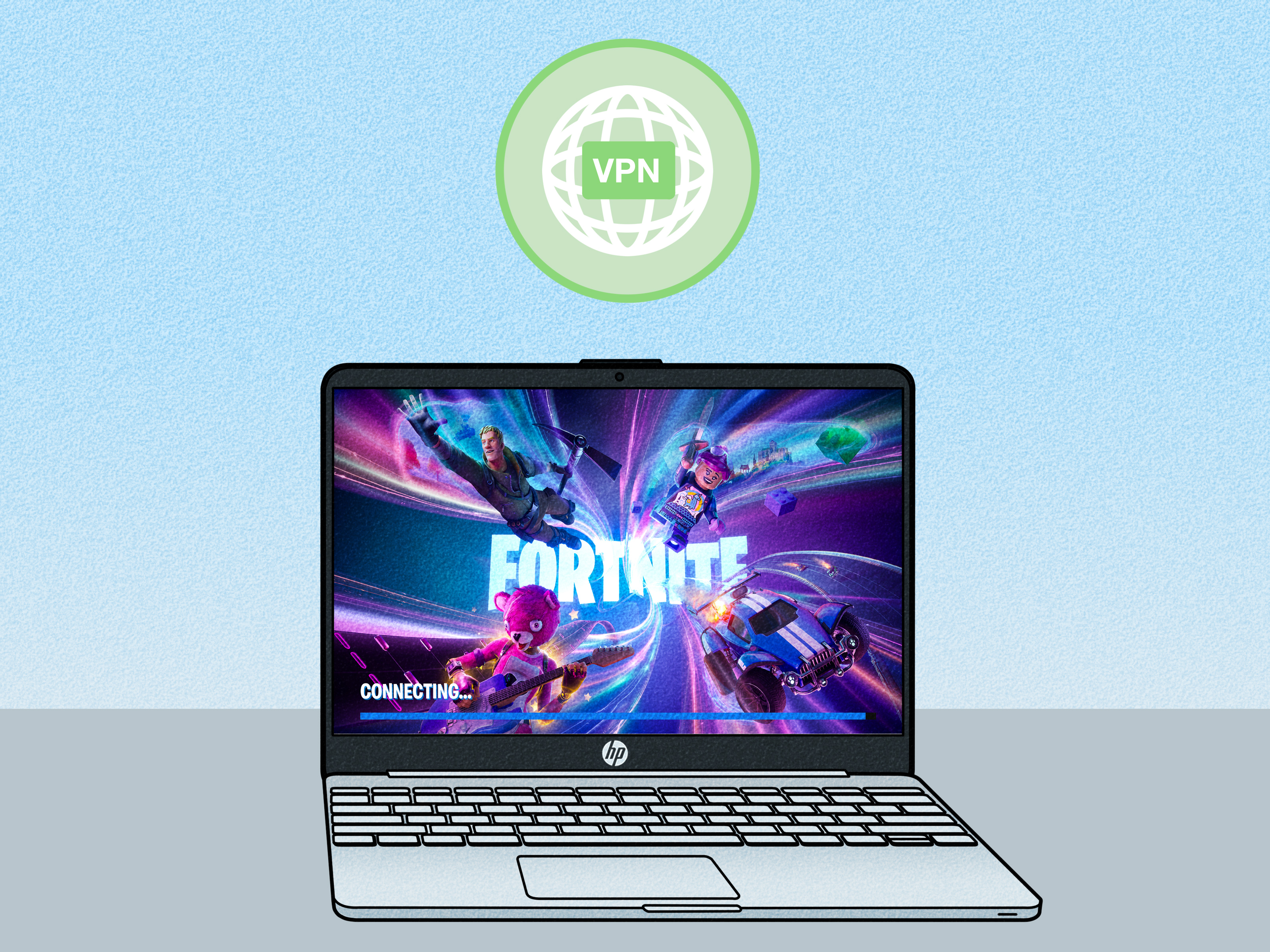
Most VPNs increase ping because they add another stop between you and the Fortnite server. Some gaming routing services may help in specific cases where your ISP routing is poor, but they are not magic. Test them honestly. If ping goes up, turn them off. Your goal is lower latency, not a longer sightseeing tour across the internet.
Contact Your ISP if Routing Is Bad
If your ping is unusually high for your location, or you see packet loss even on Ethernet, your internet service provider may need to investigate. Provide ping tests, packet loss screenshots, and times when the problem happens. “My Fortnite feels cursed” is emotionally valid, but your ISP will respond better to numbers.
Can Better Hardware Give You 0 Ping?
A better PC, monitor, mouse, or keyboard cannot reduce network ping to 0. However, hardware can reduce input delay and system latency. That matters because total responsiveness includes more than network ping. Your click travels through your mouse, USB polling, game engine, CPU, GPU, display, and then the network side of Fortnite’s online system.
NVIDIA Reflex, for example, is designed to reduce system latency in supported games, including Fortnite. It does not lower your internet ping, but it can make your inputs feel more responsive by reducing the delay between your mouse or keyboard action and what appears on screen. Think of it this way: ping is the road to the server; system latency is everything happening inside your own gaming setup.
For the best feel, optimize both. Use low network latency and low system latency. A 10 ms ping with horrible frame drops still feels bad. A smooth 240 FPS setup with 120 ms ping also feels bad. Fortnite wants both sides of the equation to behave.
Does FPS Affect Ping?
FPS does not directly lower ping. Your internet latency is separate from your frame rate. However, low FPS can make the game feel delayed, choppy, or unresponsive, which many players mistake for ping. If Fortnite feels sluggish but your ping is low, check FPS, frame time, CPU usage, GPU usage, and background apps.
For competitive Fortnite, stable FPS is often as important as low ping. A steady 144 FPS usually feels better than a system jumping between 80 and 240 FPS. Consistency is king. Fortnite is chaotic enough; your frame time does not need to join the party wearing clown shoes.
Common Myths About 0 Ping in Fortnite
Myth 1: Faster Internet Always Means Lower Ping
Not always. Faster internet helps with downloads, streaming, and multiple users, but ping depends heavily on distance, routing, and connection quality. A clean 100 Mbps fiber plan can beat a messy gigabit connection for gaming latency.
Myth 2: A Gaming Router Guarantees 0 Ping
No router can break physics. A good router can reduce local lag, improve Wi-Fi, manage congestion, and stabilize your connection. It cannot make a faraway Fortnite server behave like it is sitting under your desk eating chips.
Myth 3: DNS Changes Dramatically Lower Fortnite Ping
Changing DNS may help websites resolve faster and can sometimes solve connection issues, but it usually does not dramatically lower in-match ping. Once you are connected to a Fortnite server, DNS is not the main factor controlling gameplay latency.
Myth 4: 0 Ping Means Automatic Wins
Low ping helps, but it does not replace aim, awareness, movement, edits, piece control, or decision-making. A 0-ping display will not save someone who rotates into the open while carrying three shotguns and no plan.
Realistic Goal: Do Not Chase 0 Ping, Chase Stable Low Ping
The smartest goal is not “0 ping at any cost.” The goal is stable, low ping with minimal packet loss and jitter. A player with stable 25 ms ping can perform extremely well. A player with “0” displayed sometimes but constant spikes may struggle. Stability wins fights because it lets your timing become predictable.
Start with the basics: Ethernet, correct region, no background downloads, healthy router, clean Wi-Fi if needed, and updated hardware/software. Then test packet loss. Then look at system latency, FPS stability, and input settings. This layered approach beats randomly changing every setting after one bad match.
Personal Experience: What Chasing Low Ping in Fortnite Actually Feels Like
The most relatable Fortnite ping journey usually starts with denial. You load into a match, miss one wall replace, and immediately decide your internet is the villain. Then you check the ping counter and see 55 ms. Not terrible, but not buttery smooth either. So you begin the sacred gamer ritual: restarting the router, closing every app, yelling at Discord, and asking everyone in the house if they are downloading something. Someone says no. They are absolutely downloading something.
In real play, the biggest improvement often comes from switching from Wi-Fi to Ethernet. The first time you play Fortnite on a stable wired connection, the difference can feel surprisingly clear. Builds place more consistently. Edits confirm with less hesitation. Close-range fights feel less like the server is flipping a coin. The ping number may only drop from 45 to 32, but the reduction in spikes and packet loss can make the game feel far better.
Another common experience is discovering that “low ping” does not fix everything. You might get 18 ms ping and still lose fights because your FPS is unstable, your sensitivity is uncomfortable, or you are editing faster than your crosshair control can support. That is the humbling part. Ping can remove one obstacle, but it does not play the game for you. Fortnite will still ask you to aim, rotate, track opponents, manage materials, and avoid panic-building a luxury hotel when one player jumps into your box.
Testing different matchmaking regions can also be eye-opening. Sometimes Auto is clearly best. Other times, a nearby region may show only slightly higher ping but feel more stable during certain hours. Server conditions, ISP routing, and congestion can change. That does not mean you should switch regions every game like a confused tourist, but it does mean occasional testing is useful when your connection suddenly feels wrong.
Players who chase 0 ping often learn that the real enemy is inconsistency. A steady 30 ms connection can feel cleaner than a connection that shows 10 ms but spikes to 80 whenever another device joins the network. This is where router quality, congestion control, and household internet habits matter. If someone starts streaming, uploading videos, or downloading a massive update, your Fortnite match may suddenly feel like your character is moving through peanut butter.
One practical habit is to create a pre-game connection checklist. Check that Ethernet is connected. Pause downloads. Close cloud sync apps. Confirm the correct server region. Turn on network stats. Play one quick match or creative session to test stability. It sounds simple, but it prevents a lot of frustration. Competitive players treat connection quality like part of their setup, not something to think about only after losing.
The final lesson is mental: do not let ping become an excuse machine. Yes, high ping is real. Yes, low ping helps. Yes, some fights are harder when your opponent has a faster connection to the server. But blaming every lost fight on ping can stop improvement. Review your positioning, peeks, edits, aim, and timing too. The best Fortnite players optimize their connection, then focus on decisions. Low ping gives you a cleaner tool; skill decides what you build with it.
Conclusion: So, Can You Get 0 Ping in Fortnite?
You can get a displayed 0 ping in Fortnite under rare conditions, especially if you are extremely close to the server and the game rounds the number down. But true 0 ping is not realistic in online play. Data still needs time to travel, and the internet still has distance, routing, and processing delays.
The better question is not “Can I get 0 ping?” It is “How can I get the lowest stable ping possible?” That answer is much more useful. Use Ethernet, pick the right matchmaking region, reduce household network congestion, check packet loss, improve router placement, update firmware, avoid unnecessary VPNs, and optimize your PC for low system latency.
Fortnite rewards speed, but it rewards consistency even more. A stable low-ping setup will not magically hand you Victory Royales, but it will make your builds, edits, shots, and reactions feel cleaner. And when you lose after that, congratulations: it might finally be your fault. Character development, but with better frame timing.